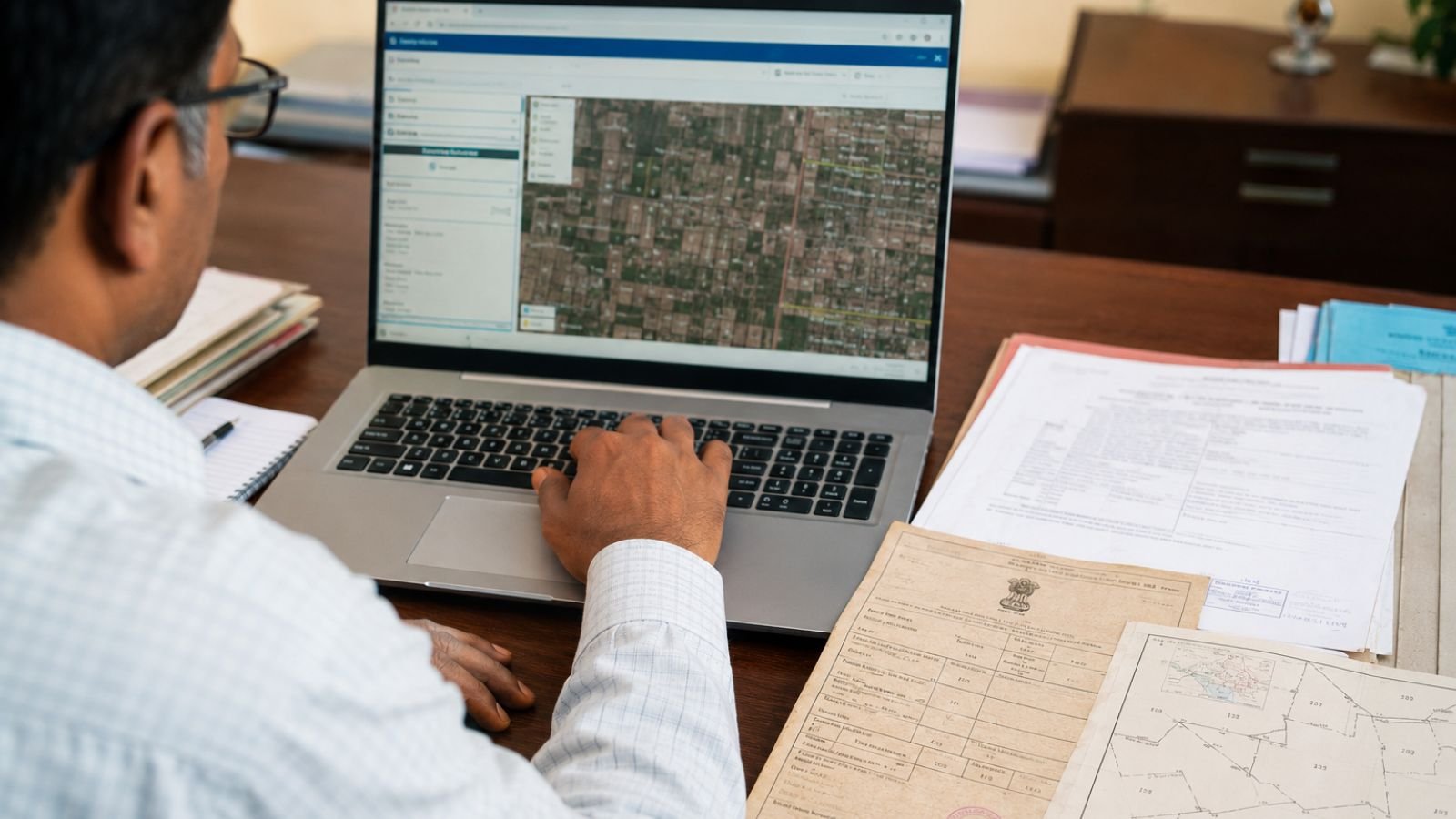
The AnyROR (Any Record of Rights Anywhere) portal is the official online land records platform managed by the Revenue Department of Gujarat. It provides citizens with free digital access to rural and urban land records, making it easier to verify property ownership details and land information without visiting government offices. Whether you need to check a 7/12 Utara, 8A Khata, Property Card, or other land-related records, the AnyROR portal offers a simple online process. This guide explains everything about the portal, including how to search land records, understand different Village Forms (VF), and solve common issues while using the website. The official portal can be accessed at https://anyror.gujarat.gov.in/.
What is AnyROR Gujarat?
AnyROR is the official land records portal of the Government of Gujarat that provides online access to various land ownership records for both rural and urban properties. The portal helps improve transparency, reduces paperwork, and enables property owners, buyers, farmers, and citizens to verify land details online. Some of the major services available on the portal include rural land records, urban property cards, 7/12 Utara, 8A Khata, VF Forms, mutation records, and digitally signed land records.
Benefits of the AnyROR Portal
The portal offers several advantages for citizens:
- Free online access to land records
- Available for both rural and urban properties
- Saves time by reducing office visits
- Helps verify property ownership
- Supports transparent land record management
- Easy online search using multiple record details
How to Search Rural Land Records on AnyROR
Citizens can search documents such as 7/12 Utara and 8A Khata by following these steps.
Step 1: Visit the Official Portal
Open the official AnyROR Gujarat website at https://anyror.gujarat.gov.in/.
Step 2: Select Rural Land Records
Choose the option “View Land Record – Rural” from the homepage.
Step 3: Select the Required Record
Choose the required document from the available options, such as:
- VF-7 Survey Number Details
- VF-8A Khata Details
- VF-6 Mutation Entry
Step 4: Enter Location Details
Select your District, Taluka, and Village.
Step 5: Enter Land Details
Search the property using any of the following:
- Survey Number
- Block Number
- Khata Number
- Owner Name (where available)
Step 6: Verify Captcha
Enter the captcha code and click “Get Record Details.” The land record will be displayed on your screen.
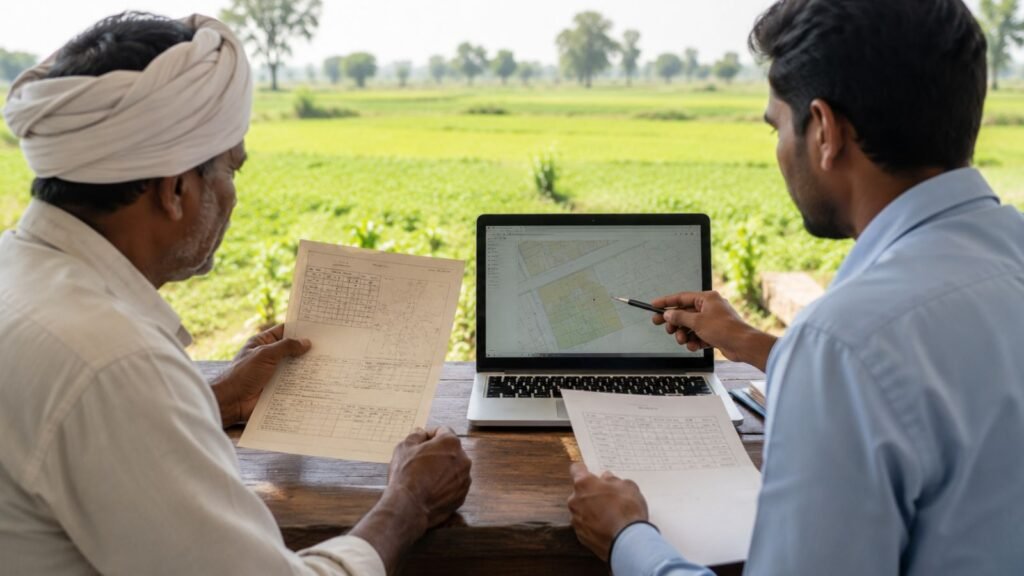
How to Search Urban Property Records
Urban property owners can also access property-related records online.
Step 1: Choose “View Land Record – Urban”
Step 2: Select either Property Card or Unit Property Card
Step 3: Provide the required location details including District, City Survey Office, Ward Number, and Sheet Number
Step 4: Enter the security captcha and click “Get Detail” to view the property information
Understanding Village Forms (VF)
The Gujarat Revenue Department maintains different Village Forms (VF), each serving a specific purpose.
| Village Form | Name | Purpose |
|---|---|---|
| VF-7 | 7/12 Utara (Satbara) | Survey Number, total land area, soil category, ownership details |
| VF-12 | Cultivation Record | Crop details, seasonal cultivation, irrigation methods |
| VF-8A | Khata Details | Land parcels owned by an individual, tax account information |
| VF-6 | Mutation Register | Records changes in land ownership (sale, transfer, inheritance, mortgage) |
| Form 135-D | Mutation Notice | Issued when mutation application is submitted, allows objections |
Common Problems While Using AnyROR
Users may sometimes face technical or search-related issues while accessing land records.
Record Not Found
Possible reasons include incorrect survey number, typing mistakes, or searching an urban property under rural records.
Solution: Verify all entered details carefully and ensure you are selecting the correct property category.
Website Not Loading
The website may become slow during periods of heavy traffic.
Solution: Refresh the page, use an updated web browser, clear browser cache, and try again after some time.
Unable to Use Record for Legal Purposes
The free record displayed on the portal is generally meant for information purposes. For official legal or banking use, applicants may need a digitally signed land record obtained through the prescribed government process.
Tips for Searching Land Records
- Enter the correct survey number
- Double-check village and taluka details
- Use the correct property category (Rural or Urban)
- Keep property documents nearby while searching
- Verify spellings before submitting the search
Who Can Use the AnyROR Portal?
The portal is useful for many categories of users, including farmers, property owners, home buyers, real estate professionals, banks, government authorities, legal professionals, and general citizens.
Why AnyROR is Important
Land ownership verification is one of the most important steps before purchasing or selling property. The AnyROR portal allows users to access important land information online, reducing dependency on manual records and helping improve transparency in land administration. It also makes it easier for farmers and property owners to verify ownership records whenever required.
Conclusion
The AnyROR Gujarat 2026 portal provides a simple and convenient way to access land records online. Whether you need a 7/12 Utara, 8A Khata, Property Card, or Mutation Record, the portal allows users to search and view important land information within minutes. By understanding the search process, different Village Forms, and common troubleshooting methods, citizens can make better use of the online land record system.
Frequently Asked Questions
Q1. What is the AnyROR Gujarat portal?
A1. AnyROR (Any Record of Rights Anywhere) is the official online land records platform of the Revenue Department of Gujarat for accessing rural and urban land records, including 7/12 Utara, 8A Khata, and Property Cards.
Q2. How can I check my 7/12 Utara online?
A2. Visit the official portal, select “View Land Record – Rural,” choose VF-7 Survey Number Details, enter your District, Taluka, Village, and Survey Number, then click “Get Record Details.”
Q3. What is VF-8A Khata?
A3. VF-8A Khata provides landholder’s account details, including land parcels owned by an individual, tax account information, and ownership-related records within a village.
Q4. Can I view urban property records on AnyROR?
A4. Yes, you can view urban property records by selecting “View Land Record – Urban” and choosing Property Card or Unit Property Card, then entering location details.
Q5. Why is the AnyROR portal not showing my land record?
A5. This may happen due to incorrect survey numbers, typing mistakes, or searching an urban property under rural records. Verify all details carefully and ensure you are selecting the correct property category.